
Autocad vs Mastercam: CAD/CAM Comparison Guide
AutoCAD vs Mastercam is not only a software comparison; it is a workflow comparison between CAD drafting and CAM programming. AutoCAD is built for precise 2D and 3D drafting, design, modeling, and documentation, while Mastercam is built for CAD/CAM workflows that prepare toolpaths for CNC machining.
That difference matters for engineers, machinists, drafters, product designers, fabricators, and manufacturers who need the right tool for design, documentation, or production. ProSoftStore helps buyers compare both platforms by the job they need to complete, not just by software name.
Quick Check
Compare cad cam software at ProSoftStore before choosing between CAD drafting tools and CNC programming software for your manufacturing workflow.
AutoCAD vs Mastercam: Core Difference
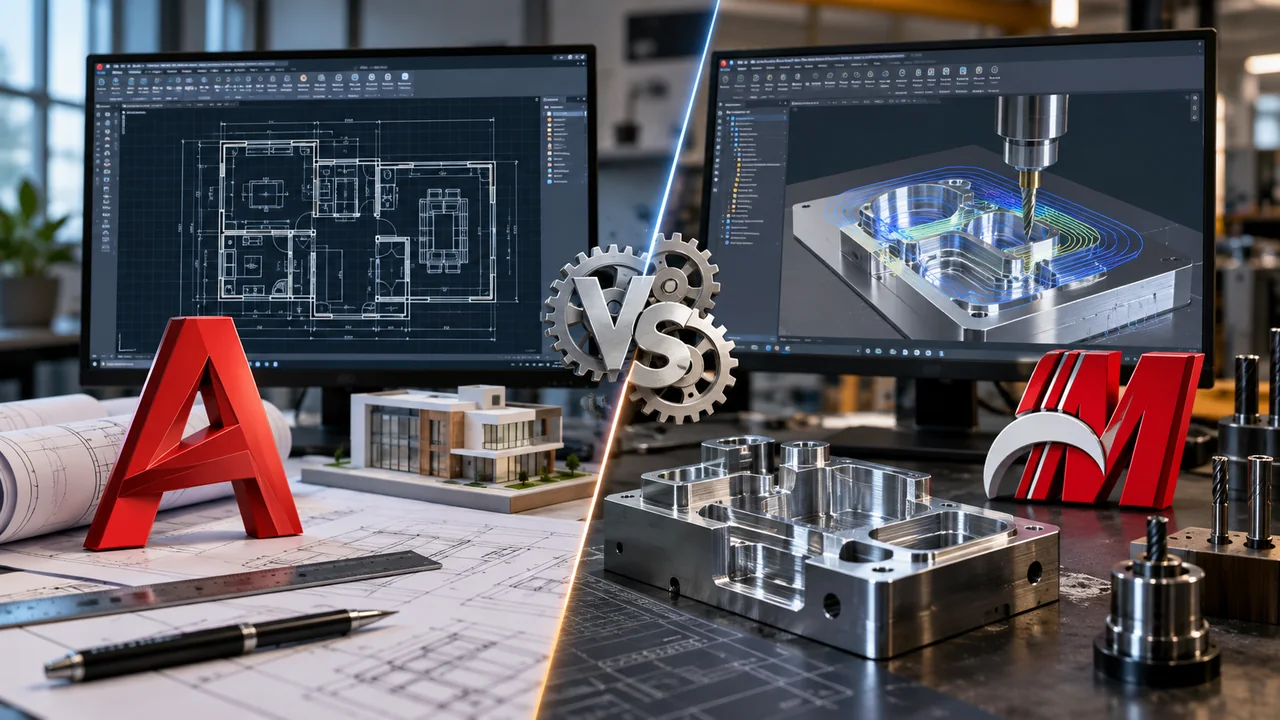
AutoCAD vs Mastercam comes down to what happens after the design exists. Autodesk describes AutoCAD as CAD software used for precise 2D and 3D drafting, design, and modeling with solids, surfaces, mesh objects, documentation features, and more. Mastercam describes its CAD/CAM software as covering CNC machining operations from 3-axis milling and CNC turning to 5-axis simultaneous machining, mill-turn programming, Swiss machining, wire EDM, and router programming.
| Comparison point | AutoCAD | Mastercam | Practical meaning |
|---|---|---|---|
| Main role | CAD drafting, design, modeling, and documentation | CAD/CAM programming and CNC toolpaths | Choose by output: drawing or machine code |
| Common users | Drafters, engineers, architects, designers, construction teams | CNC programmers, machinists, manufacturers, toolrooms | Different production stages |
| 2D strength | Precise drawings, layouts, annotations, DWG workflows | Geometry preparation for machining workflows | AutoCAD is stronger for formal drafting |
| 3D strength | Solids, surfaces, meshes, and technical models | Machining preparation from 2D/3D geometry | Mastercam connects geometry to toolpaths |
| Manufacturing role | Design and documentation support | Toolpath creation, verification, CNC programming | Mastercam is production-focused |
| Best fit | Plans, details, technical drawings, CAD files | Milling, turning, routing, wire EDM, mill-turn | Workflow decides |
| Final output | Drawings, models, DWG/PDF documentation | Toolpaths, CNC programming workflow, machine preparation | Different deliverables |
The practical answer is simple: AutoCAD helps create and document geometry, while Mastercam helps turn geometry into machining instructions. Some shops may use both, but they should not be treated as interchangeable.
AutoCAD Is CAD Drafting Software
AutoCAD is mainly a CAD drafting and design platform. It is used for precise drawings, technical layouts, annotations, dimensions, 2D documentation, and 3D CAD modeling. Autodesk’s AutoCAD overview describes it as software for precise 2D and 3D drafting, design, and modeling with documentation tools.
That makes AutoCAD useful when the workflow depends on accurate design communication. A drafter can create part layouts, shop drawings, architectural plans, mechanical details, site drawings, or technical documentation before any machining happens.
For buyers comparing drafting and mechanical design roles, the CAD drafting and product assembly distinction is useful. AutoCAD can document geometry well, but mechanical product design and CNC programming may require different software.
Mastercam Is CAD/CAM Software
Mastercam is built around CAD/CAM, which means it connects design geometry with manufacturing operations. Mastercam’s official solutions page says its software covers CNC machining operations including milling, turning, 5-axis machining, mill-turn, Swiss machining, wire EDM, and router programming.
This makes Mastercam a stronger fit when the user needs toolpaths, machining strategies, verification, and CNC programming. A drawing may tell the machinist what the part should be; Mastercam helps define how a CNC machine cuts it.
Mastercam’s product information also describes Dynamic Motion as material-aware toolpath technology that optimizes tool engagement in real time to maintain constant chip load. That kind of manufacturing-specific function is outside the normal purpose of drafting software.
CAD vs CAM in AutoCAD vs Mastercam
The central AutoCAD vs Mastercam decision is CAD versus CAM. CAD creates or documents the design. CAM prepares the manufacturing process. A clean drawing, accurate geometry, or 3D model is not the same thing as a toolpath, post-processed output, or machining operation.
AutoCAD supports the design side. Mastercam supports the manufacturing side. In many shops, CAD and CAM sit in the same workflow, but they answer different questions. CAD asks, “What is the part?” CAM asks, “How will the machine produce the part?”
For buyers who need a broader category explanation, the CAD and CAM category placement helps separate drafting, modeling, parametric design, and manufacturing preparation.
AutoCAD vs Mastercam for 2D Drawings
AutoCAD is usually the better fit when the work is mostly 2D drawings. It supports precise geometry, dimensions, layers, annotations, layouts, title blocks, and DWG-based documentation. These features matter for part drawings, building details, shop layouts, fabrication sheets, and technical communication.
Mastercam can use 2D geometry for machining, but its purpose is not simply to create polished drawing sets. It is built to use geometry as part of the programming process. A machinist may start with 2D lines, curves, or profiles, then generate operations such as contouring, pocketing, drilling, or turning.
If your workflow depends on drawing identification, revision notes, sheet organization, and plotted documentation, the manufacturing drawing sheet structure is a useful reference. Drawings and CNC programs both support production, but they are not the same deliverable.
AutoCAD vs Mastercam for 3D Modeling
AutoCAD supports 3D modeling with solids, surfaces, meshes, and wireframe objects. Autodesk help materials say AutoCAD 3D modeling lets users create drawings with solid, surface, and mesh objects, including primitives and extruded, revolved, swept, or lofted shapes.
Mastercam also includes CAD tools, but its 3D value is closely tied to machining. Mastercam Mill materials describe programming simple prismatic parts as well as complex multi-surface aerospace components, with toolpaths, CAD tools, and automation for manufacturing productivity.
For broader model-selection context, buyers can review the 3D modeling output decision factors. A 3D model built for visualization, drafting, machining, 3D printing, or mechanical assembly may require different software.
AutoCAD vs Mastercam for CNC Programming
CNC programming is where Mastercam becomes clearly different from AutoCAD. Mastercam is designed to create and manage machining operations, including milling, turning, multiaxis machining, wire EDM, routers, and mill-turn workflows.
AutoCAD can create geometry that may later be used in manufacturing, but it does not replace CNC programming software. A part profile drawn in AutoCAD still needs machining strategy, tool selection, feeds and speeds, toolpath generation, simulation or verification, and post-processing for the target machine.
This is why manufacturers usually compare AutoCAD and Mastercam by production stage. AutoCAD can support the design and drawing stage. Mastercam supports the programming and machining stage.
AutoCAD vs Mastercam for Milling
Milling workflows show why Mastercam is not just another CAD program. Mastercam’s Mill product page describes toolpaths from optimized pocketing to specialized 5-axis turbine cutting, and says Mastercam Mill supports simple prismatic parts through complex multi-surface aerospace components.
AutoCAD can help define milled-part geometry, create drawings, or prepare technical details, but it does not provide the same milling workflow. The CNC programmer still needs to decide how the tool enters the material, removes stock, avoids collisions, and finishes the part.
If your shop needs milling output rather than only drawings, ProSoftStore can help compare CAD/CAM software options around model preparation, part documentation, and production handoff.
AutoCAD vs Mastercam for Turning and Mill-Turn
Turning and mill-turn work depend heavily on manufacturing logic. Mastercam lists CNC turning, mill-turn programming, Swiss machining, and related machining operations as part of its CAD/CAM software coverage. Its Mastercam 2026 page also discusses expanded mill-turn functionality and turning-related enhancements.
AutoCAD can create part drawings for turned components, but the drawing is not the turning program. A lathe or mill-turn center needs operations, tools, stock setup, machine kinematics, post-processing, and verification.
A buyer should choose Mastercam when turning strategy and machine programming are the core task. AutoCAD remains useful when the shop needs drawings, dimensions, notes, and design documentation.
AutoCAD vs Mastercam for Wire EDM and Router Work
Mastercam’s CAD/CAM product range includes wire EDM and router programming. Mastercam says its Wire product is a solution for programming CNC Wire EDM machines, and its router product information describes support for CNC routers, nesting, block drill support, aggregate head support, saw cutting, and 2-through-5-axis cutting.
AutoCAD may help create or document profiles that later become input geometry, but wirepath verification, router toolpaths, nesting, and CNC-specific cutting logic belong to a CAM workflow.
This matters for fabrication shops that cut sheet goods, plates, profiles, molds, dies, or routed parts. The design file is only the starting point; the manufacturing path must still be programmed correctly.
AutoCAD vs Mastercam for Mechanical Design
AutoCAD can support mechanical drawings and general technical geometry. AutoCAD subscriptions also include specialized toolsets such as Mechanical, Electrical, Architecture, Map 3D, MEP, Plant 3D, and Raster Design, according to Autodesk support information.
Mastercam supports the manufacturing side after geometry exists. It can work with CAD data and help define machining operations, but it is not mainly a mechanical assembly design platform like SolidWorks or Creo.
Buyers comparing deeper mechanical design tools should review the parametric mechanical CAD selection path. That comparison is more relevant when the work depends on parts, assemblies, constraints, model-driven drawings, and product-development workflows.
AutoCAD vs Mastercam for Architecture and Construction
AutoCAD is commonly used in architecture, construction, engineering, and general drafting. Autodesk describes AutoCAD as used by architects, engineers, and construction professionals to create precise 2D and 3D drawings.
Mastercam is not usually chosen for architectural drafting or construction drawings. It is aimed at manufacturing and CNC programming. A building designer, architect, or contractor usually needs CAD documentation rather than milling, turning, or wire EDM toolpaths.
For architecture-focused decisions, the building documentation software comparison is more useful. For construction workflows, the construction CAD deliverable checklist helps buyers decide based on plans, revisions, field use, and coordination.
AutoCAD vs Mastercam for Visualization
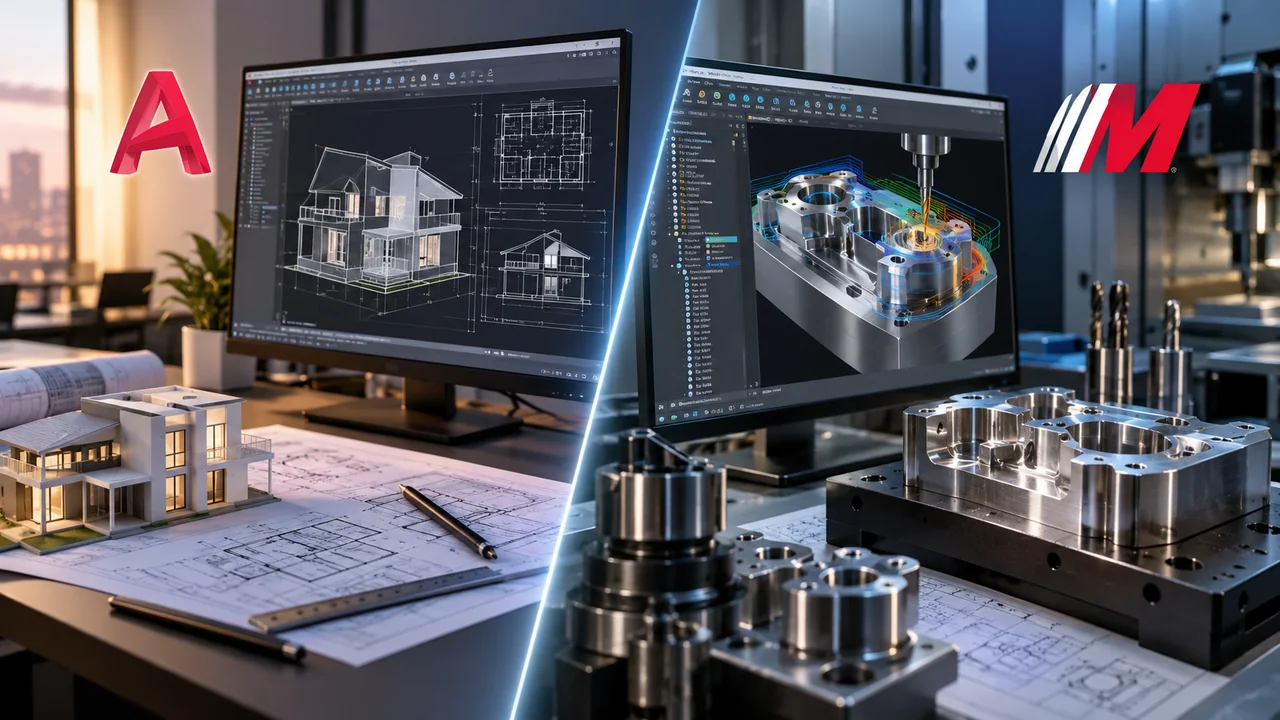
Neither AutoCAD nor Mastercam is mainly selected as a pure visualization tool. AutoCAD can create and document 3D geometry, while Mastercam can display and verify machining-related geometry and toolpaths. But if the goal is fast concept modeling or client-facing spatial visualization, buyers may need a different tool.
The visual design and drafting workflow separation helps explain this difference. A designer presenting an interior concept, for example, has different needs from a CNC programmer verifying a toolpath.
Visualization can support design and manufacturing, but it should not be confused with technical documentation or machine programming.
AutoCAD vs Mastercam for Technical Analysis
AutoCAD and Mastercam do not replace technical computing or engineering analysis tools. AutoCAD supports CAD design and drafting. Mastercam supports CNC programming and manufacturing preparation. Engineering calculations, simulations, or numerical analysis may require separate software.
A buyer comparing CAD tools with analysis platforms should review the technical computing and CAD drafting boundary. This helps keep the software stack organized: one tool may create geometry, another may analyze behavior, and another may prepare manufacturing output.
For production teams, the safest approach is to map the full workflow: design, analysis, documentation, programming, verification, machining, inspection, and revision control.
AutoCAD vs Mastercam for File Exchange
File exchange is a major Autocad vs Mastercam issue. AutoCAD is strongly associated with DWG workflows and technical drawing exchange. Mastercam is concerned with importing or creating geometry, programming it, and moving toward machine-ready output.
The practical question is what files enter and leave the workflow. AutoCAD users may exchange DWG, DXF, PDF, and 3D CAD geometry. Mastercam users may work with imported CAD geometry, toolpaths, machine definitions, and post-processed CNC output.
If the buyer is still sorting the broader market, the CAD software grouping reference helps explain why drafting software, mechanical CAD, CAM software, and visualization tools belong in different categories.
AutoCAD vs Mastercam for Direct Geometry Edits
Mastercam includes CAD tools because CNC programmers often need to repair, prepare, or modify geometry before machining. However, that is different from building a full parametric product model or managing product design intent over time.
Product teams that frequently edit imported files should understand the history tree and direct-edit geometry concept. Direct edits can be useful when geometry arrives from another system, but the right tool depends on whether the goal is engineering design or machining preparation.
AutoCAD can also modify geometry, but it is usually used for drafting and documentation rather than CAM-specific preparation.
AutoCAD vs Mastercam and High-End CAD
High-end CAD platforms such as Creo or similar tools are often selected for controlled product development, parametric modeling, assemblies, simulation, and manufacturing connections. That is a different category from both general AutoCAD drafting and dedicated Mastercam CNC programming.
The advanced parametric engineering CAD profile helps buyers understand when a product-development CAD platform belongs in the workflow. The parametric CAD and drafting CAD category split also helps prevent category confusion.
A manufacturer may use high-end CAD to design the product, AutoCAD to document drawings in some environments, and Mastercam to program CNC machining. Each tool has a distinct role.
AutoCAD vs Mastercam for 3D Printing
AutoCAD can create 3D geometry, and Mastercam can support manufacturing preparation, but 3D printing has its own workflow. Additive manufacturing usually requires model creation, export, mesh checking, slicing, print settings, and printer-specific preparation.
For buyers focused on additive workflows, the entry CAD options for printable parts can help define when lightweight CAD is enough and when stronger mechanical CAD is needed.
The CAD design and slicer preparation difference is also important. CAD creates the model; slicing software prepares the model for the printer. If buyers expect the printer package to include full CAD, the printer package design-software reality can help clarify the gap.
AutoCAD vs Mastercam Cost and Licensing
AutoCAD and Mastercam cost should be evaluated by workflow value, not only license price. AutoCAD may be justified when the team needs drafting, documentation, specialized toolsets, DWG exchange, and technical drawing control. Mastercam may be justified when the team needs CNC programming, toolpath technology, verification, and machine-specific production output.
Autodesk support information says AutoCAD includes specialized toolsets such as Architecture, Electrical, Map 3D, Mechanical, MEP, Plant 3D, and Raster Design under AutoCAD subscriptions. Mastercam’s Learning Edition page states that it delivers the full suite of Mastercam with few restrictions but will not generate G-code, so it cannot be used for actual production.
Buyers comparing cost should review the CAD and CAM budget planning factors. Training, post-processors, machines, add-ons, renewal terms, and production risk can matter as much as the initial software cost.
AutoCAD vs Mastercam Updates and Version Planning
Updates matter in both AutoCAD and Mastercam. AutoCAD updates can affect drafting tools, specialized toolsets, automation, file compatibility, and collaboration. Mastercam updates can affect toolpaths, machine support, simulation, turning, milling, and manufacturing productivity.
Mastercam’s 2026 page says the release expands mill-turn capabilities and adds classic mill toolpath support, among other machining-related updates. Autodesk’s AutoCAD help and release materials show ongoing specialized toolset updates and version-specific support information.
For related version planning, buyers can review the Inventor mechanical release planning notes, the GibbsCAM update evaluation notes, and the Creo release planning context. A release is valuable when it improves the tasks your team performs repeatedly.
When to Choose AutoCAD?
Choose AutoCAD when the main requirement is drafting, technical documentation, DWG exchange, layouts, annotations, detail drawings, or general CAD modeling. It is a practical fit when a team needs precise geometry and communication rather than CNC programming.
AutoCAD is especially useful for design offices, engineering teams, architects, construction professionals, fabricators, and shops that need clear drawings before manufacturing begins. It can define the part or project, but it does not replace CAM strategy.
If the goal is to communicate design intent, document a part, or produce controlled drawings, AutoCAD may be the more appropriate starting point.
When to Choose Mastercam?
Choose Mastercam when the main requirement is CNC programming. If the work involves milling, turning, wire EDM, routing, multiaxis machining, mill-turn operations, or toolpath optimization, Mastercam is closer to the production need.
Mastercam is especially useful when the geometry must become machine instructions. Its value is in toolpath creation, machining strategy, verification, manufacturing productivity, and shop-floor output.
If the project has already moved beyond drawing creation and into machining preparation, Mastercam is usually the more relevant software category.
How ProSoftStore Helps Buyers Choose?
AutoCAD vs Mastercam should be decided by workflow. AutoCAD is usually the stronger fit for CAD drafting, design documentation, DWG files, and technical drawings. Mastercam is usually the stronger fit for CAD/CAM programming, CNC toolpaths, machining, turning, milling, wire EDM, routing, and production preparation.
ProSoftStore helps buyers compare software around real deliverables: drawings, models, toolpaths, CNC output, shop documentation, construction files, product geometry, or manufacturing handoff. That keeps the purchase tied to the work the software must actually perform.
If your team needs to move from CAD geometry to production planning, ProSoftStore can help you compare manufacturing and CAM software paths and choose a license that fits your design, machining, and manufacturing workflow.
FAQs
What is the main difference in Autocad vs Mastercam?
The main difference in Autocad vs Mastercam is that AutoCAD is primarily CAD drafting and design software, while Mastercam is CAD/CAM software for CNC programming. AutoCAD helps users create precise drawings, layouts, models, and documentation. Mastercam helps programmers create toolpaths and machining workflows for milling, turning, wire EDM, routing, mill-turn, and related CNC operations.
Is AutoCAD better than Mastercam for 2D drafting?
AutoCAD is usually better than Mastercam for 2D drafting because its workflow is built around precise geometry, layers, dimensions, annotations, layouts, title blocks, plotting, and DWG documentation. Mastercam can use 2D geometry for machining operations, but it is not mainly a drafting platform. If the output is a drawing set, AutoCAD is usually the better fit.
Is Mastercam better than AutoCAD for CNC programming?
Mastercam is usually better than AutoCAD for CNC programming because Mastercam is designed for CAD/CAM operations, toolpaths, machining strategies, and CNC production workflows. Mastercam’s official materials describe coverage across 3-axis milling, turning, 5-axis machining, mill-turn, Swiss machining, wire EDM, and router programming. AutoCAD can create geometry, but it does not replace CNC programming software.
Can AutoCAD create files for Mastercam?
AutoCAD can create CAD geometry and technical drawings that may support a later machining workflow, depending on file exchange requirements and shop setup. However, the geometry still has to be prepared for machining inside CAM software. The important distinction is that AutoCAD can help define or document the part, while Mastercam helps create the machining operations and toolpaths needed for CNC production.
Can Mastercam replace AutoCAD?
Mastercam can replace AutoCAD only in workflows where the main task is machining preparation, and the shop does not need AutoCAD-style drafting documentation. It should not be treated as a direct replacement for AutoCAD when the team needs detailed 2D drawings, title blocks, DWG coordination, architectural plans, construction documents, or general CAD drafting. Mastercam is strongest when the geometry needs to become CNC operations.
Which is better in AutoCAD vs. Mastercam for manufacturing?
For manufacturing, Mastercam is usually more directly connected to production because it supports CNC programming and toolpath creation. AutoCAD can still be valuable for technical drawings, part geometry, shop details, and documentation. The better choice depends on whether the immediate problem is documenting the part or programming the machine. Many manufacturing workflows may use CAD first and CAM second.
Which is better in AutoCAD vs Mastercam for mechanical design?
AutoCAD can support mechanical drafting and technical geometry, while Mastercam supports machining preparation from geometry. For full mechanical product design, buyers may need a dedicated mechanical CAD platform in addition to or instead of AutoCAD. If the goal is controlled parts, assemblies, dimensions, and model-driven drawings, mechanical CAD should be evaluated separately from CAM. If the goal is CNC toolpaths, Mastercam becomes more relevant.
Which costs more in AutoCAD vs Mastercam?
AutoCAD vs Mastercam cost depends on subscription terms, modules, reseller route, region, training, support, add-ons, and production needs. AutoCAD cost should be judged by drafting and documentation value. Mastercam cost should be judged by manufacturing productivity, machine support, toolpath needs, post-processing, and shop output. The better investment depends on whether the team’s bottleneck is CAD documentation or CNC programming.