
Purchase Mastercam Software
January Sale!
Limited time: 5% discount on all products! Ends February 1.
Mastercam
| Version | Price & Buy |
|---|---|
| 2026 | |
| 2025 with Update 7 | |
| 2024 with Update 6 | |
| 2023 with Update 4 x64 | |
| 2022 with Update 3 x64 | |
| 2021 with Update 1 x64 | |
| 2020 x64 | |
| 2019 x64 | |
| 2018 x64 | |
| 2017 x64 | |
| X9 x64 | |
| X8 x64 | |
| X7 |
What is Mastercam?
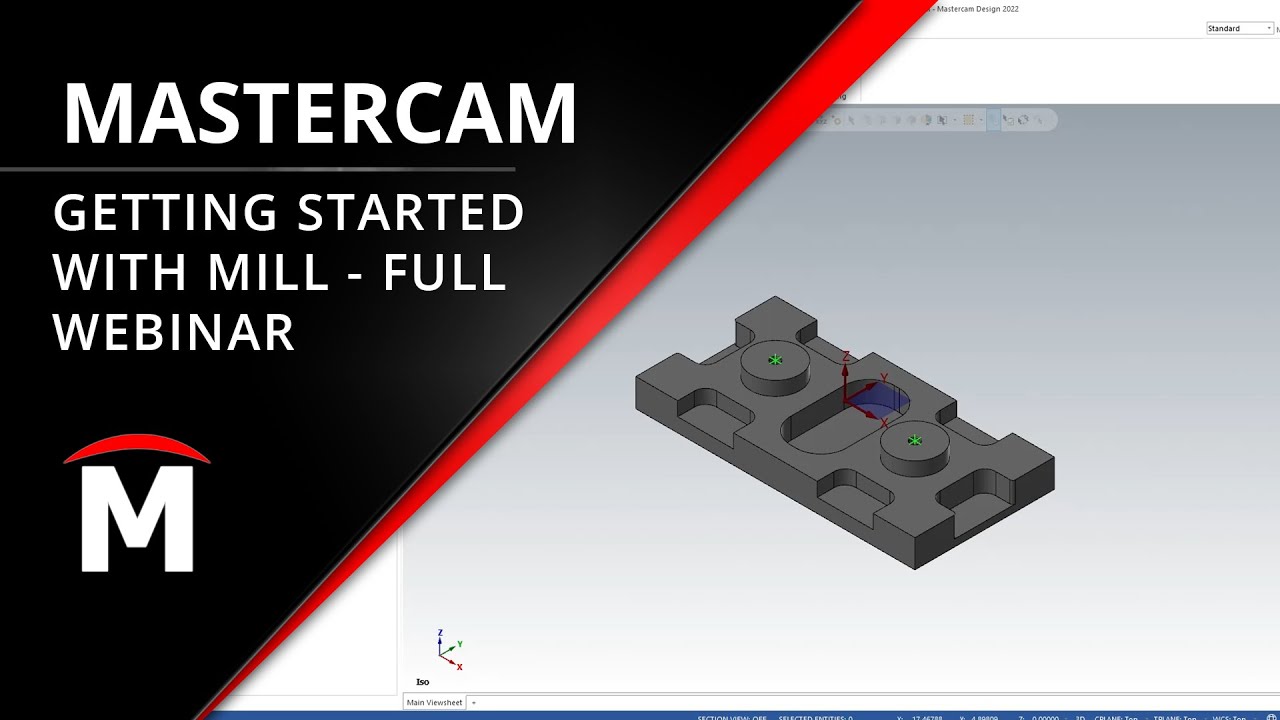
Mastercam is a CAM programming solution for CNC machining that integrates CAD modeling with advanced toolpath generation. The software supports 2D, 3D, and multi-axis machining operations for mills, lathes, and wire EDM equipment.
Programmers and machinists use Mastercam to create NC code from design files through its toolpath verification and simulation tools. The platform operates as a standalone solution with file import capabilities for common CAD formats, enabling programming workflows independent of specific CAD licenses.
Why Buy Mastercam from Prosoftstore?
How Much Does Mastercam Cost?
Official Mastercam 2026 pricing typically starts around $6,000 for entry-level configurations and can reach $15,000+ for advanced multiaxis and mill-turn packages, depending on included modules, post processors, and maintenance agreements. Perpetual licenses often require additional annual maintenance or subscription fees for updates and technical support.
Mastercam Discount Price at Prosoftstore
We offer permanent activation with one-time purchase from $45 to $75 — professional CAM programming solution for programmers and machinists, job shop operators, and home CNC enthusiasts without subscription fees. Full functionality supports CNC machining, multi-axis programming, mold and die making, and aerospace manufacturing workflows.
Single payment, lifetime access, no hidden costs or mandatory renewals. Suitable for personal projects, skill development, and professional-grade work where users want desktop Mastercam capabilities without ongoing subscription commitments.
What Does Mastercam Do?
Mastercam provides CAM programming capabilities from basic 2D operations to advanced multi-axis machining with integrated verification tools.
- Dynamic Motion Technology — Optimizes cutting movements and tool engagement angles to extend tool life and reduce cycle times through adaptive toolpath strategies.
- Multi-Axis Machining — Generates toolpaths for 3-axis through 5-axis simultaneous machining with collision checking and machine simulation for complex part geometries.
- Mastercam Copilot — AI-powered assistant that provides contextual help and command suggestions to accelerate programming workflows through conversational guidance.
- Lathe and Mill-Turn Operations — Programs turning operations, live tooling, and combined mill-turn procedures with Y-axis capabilities for complex rotational parts.
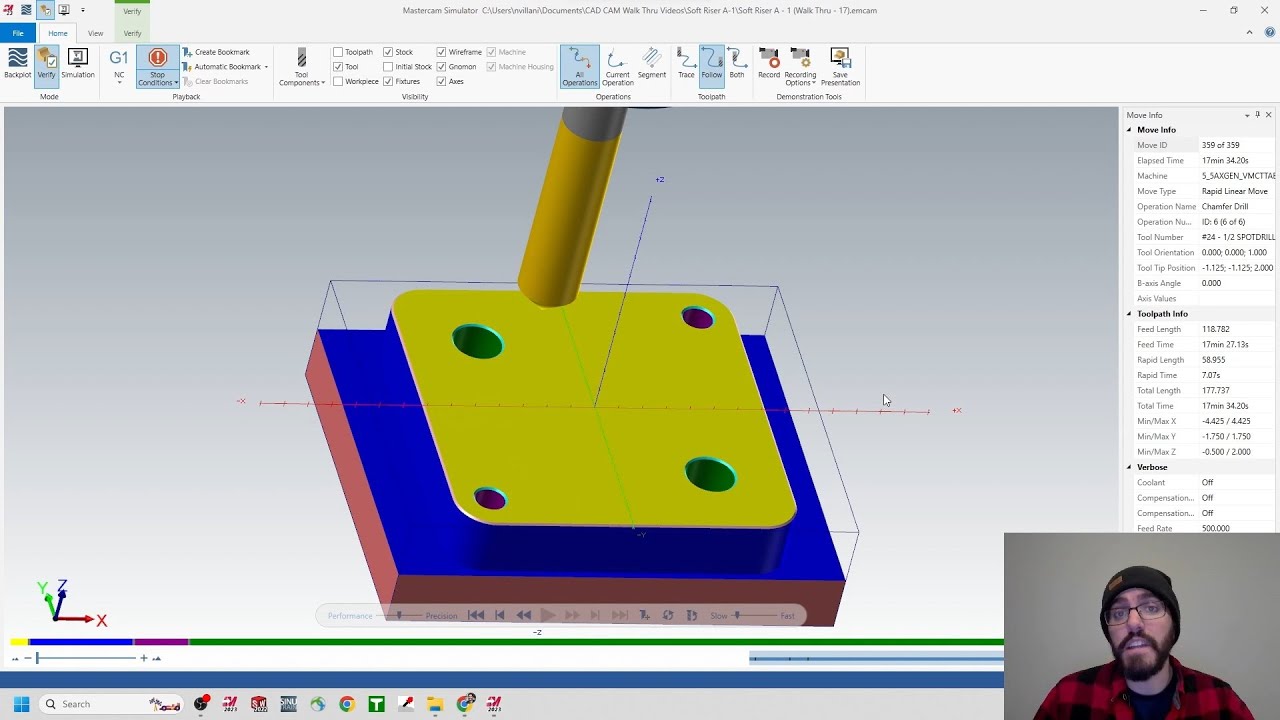
- Toolpath Verification — Simulates cutting operations with material removal visualization and collision detection to validate programs before machine execution.
- CAD Import and Modeling — Reads files from SOLIDWORKS, Inventor, and other CAD systems while providing native modeling tools for geometry creation and modification.
- Wire EDM Programming — Creates toolpaths for 2-axis and 4-axis wire cutting operations with automatic core and slug handling for precision electrode machining.
- Post Processor Library — Translates toolpaths into machine-specific G-code through customizable post processors for different CNC controller types and machine configurations.
Mastercam vs SolidCAM
Mastercam operates as a standalone programming environment independent of CAD software licenses, offering flexibility for shops with multiple CAD systems. SolidCAM functions as a fully integrated add-in within SOLIDWORKS, enabling direct toolpath updates when CAD geometry changes without reprogramming. Choose Mastercam when programming flexibility across different CAD platforms matters more than single-environment integration.
Mastercam vs GibbsCAM
Mastercam provides extensive multi-axis capabilities and industry-standard toolpath strategies with a steeper learning curve. GibbsCAM emphasizes ease of use with a lower entry barrier and streamlined interface for production machining tasks. Choose Mastercam when advanced feature requirements and broad machining strategy options outweigh initial learning investment.
Mastercam vs CAMWorks
Mastercam functions independently with comprehensive post processor support and established industry presence across diverse manufacturing sectors. CAMWorks integrates directly into SOLIDWORKS with feature-based machining automation for design-to-manufacturing workflows. Choose Mastercam when standalone programming flexibility and extensive machining strategy libraries are priorities over SOLIDWORKS-native integration.
Mastercam vs SOLIDWORKS CAM
Mastercam delivers advanced toolpath strategies and multi-axis capabilities through a dedicated CAM interface with Dynamic Motion optimization. SOLIDWORKS CAM provides integrated programming within the SOLIDWORKS environment with automated feature recognition for simpler part workflows. Choose Mastercam when complex machining requirements and toolpath control exceed the scope of SOLIDWORKS CAM's integrated feature set.
Who Uses Mastercam and Where?
| Industry / Profession | Application |
|---|---|
| Aerospace Manufacturing | Complex turbine blade machining and structural component production with 5-axis simultaneous toolpaths for tight tolerance parts |
| Medical Device Shops | Surgical instrument manufacturing and implant production requiring precision contours and verified toolpaths for biocompatible materials |
| Mold and Die Makers | Injection mold cavity machining and die component creation with high-speed surfacing strategies for production tooling |
| Job Shop Machinists | Versatile part programming across diverse geometries and materials using 2D through 5-axis capabilities for varied customer requirements |
| Automotive Manufacturing | Engine component machining and fixture production with mill-turn operations for rotational parts and assemblies |
| Educational Institutions | CNC programming instruction and manufacturing technology training for students entering machining and programming careers |
How Can You Use Mastercam at Home?
Mastercam supports personal CNC projects and professional skill development for individuals with home workshop equipment or career advancement goals.
- For beginners: Learning fundamental 2D toolpath programming by creating contour and pocket operations for simple brackets and fixtures on home CNC mills.
- For beginners: Developing lathe programming skills through basic turning operations and threading projects for small-scale parts and personal mechanical components.
- For advanced users: Programming complex 3D surfacing toolpaths for artistic projects, prototypes, or custom automotive parts using high-speed machining strategies.
- For advanced users: Building multi-axis programming expertise through personal projects that require 4-axis or 5-axis machining for intricate geometries and compound angles.
- For advanced users: Executing contract machining work from home using full mill-turn capabilities for client projects requiring professional-grade CAM programming.
- For advanced users: Creating small-batch production runs for online sales or local customers using Dynamic Motion optimization to maximize tool life and cycle efficiency.
- For advanced users: Developing toolpath strategies for specialized materials or experimental cutting techniques that enhance professional programming knowledge for workplace application.
What's New in Mastercam 2026?
- Enhanced Solid Hole functionality with a redesigned three-panel interface (Geometry Selection, Hole Style, Advanced) for precise control when creating complex hole features in solid models.
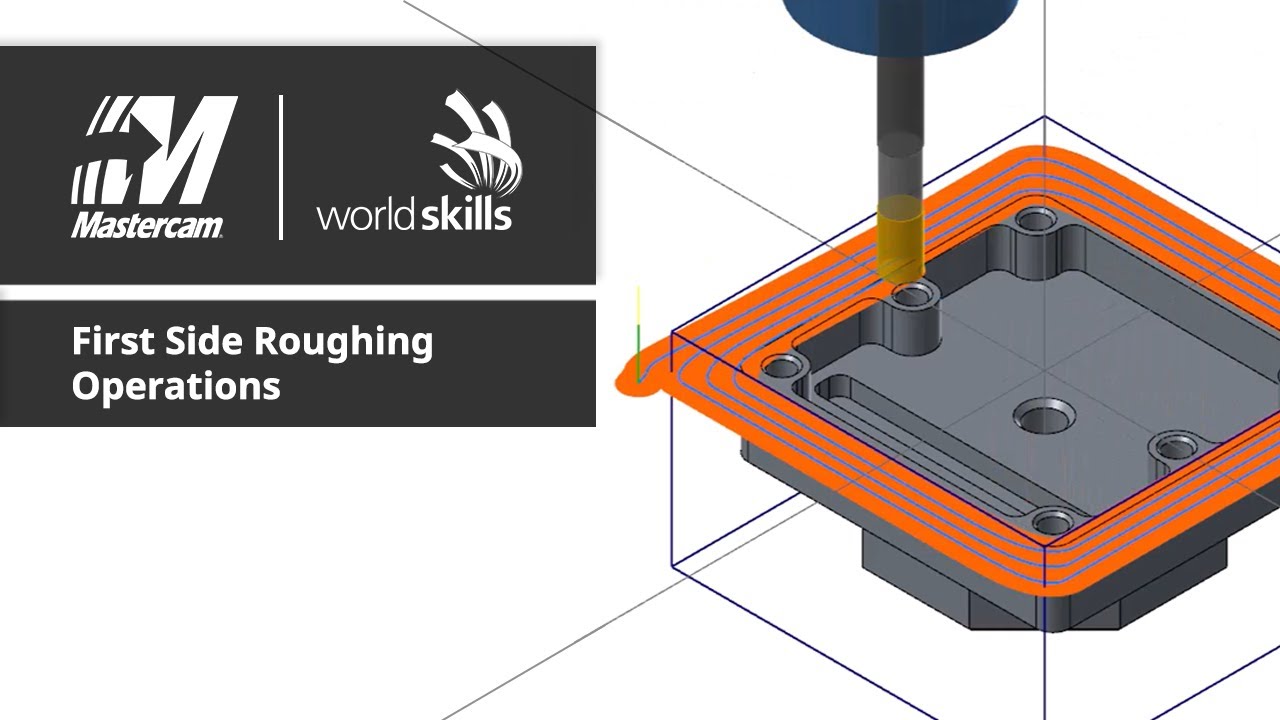
- Dynamic Mill and OptiRough tapered helix entry option that improves chip evacuation and cutting conditions when entering pockets with helical toolpaths.
- Loft surface creation enhancements, including automatic chain direction alignment, surface tangent matching, and guide curves for smoother, more controllable surface transitions.
- PrimeTurning updates that add angled cutting support, pinch turning capabilities, and enhanced finish options to expand turning applications and improve surface quality.
- New Planes and Levels Managers with tree-based organization and overlay controls, allowing faster plane changes, level management, and overall workflow efficiency during programming.