
SolidCAM vs Mastercam
SolidCAM vs Mastercam is an important comparison for CNC programmers, manufacturing engineers, and machine shops selecting professional CAM software. Both platforms support CNC programming workflows, but differences in CAD integration, toolpath preparation, machining modules, and post-processing can influence which software fits a particular production environment.
SolidCAM is often evaluated by teams working directly with SOLIDWORKS models, while Mastercam is commonly considered for independent CNC programming across different CAD sources. ProSoftStore helps buyers compare their machining requirements, software versions, module availability, and machine compatibility before choosing an appropriate CAM solution.
Quick Check: Explore ProSoftStore’s cad cam software options to identify the milling, turning, CAD integration, machine simulation, and post-processing requirements that matter before choosing SolidCAM or Mastercam.
Desktop purchase scope. Purchase scope: the ProSoftStore listings cover specific desktop releases. CAD host compatibility, machine postprocessors and optional controller/machining components should be checked for the chosen release; software names mentioned in a workflow are not proof that separate products are included.
Quick CAM Software Comparison: Core Differences Between SolidCAM and Mastercam
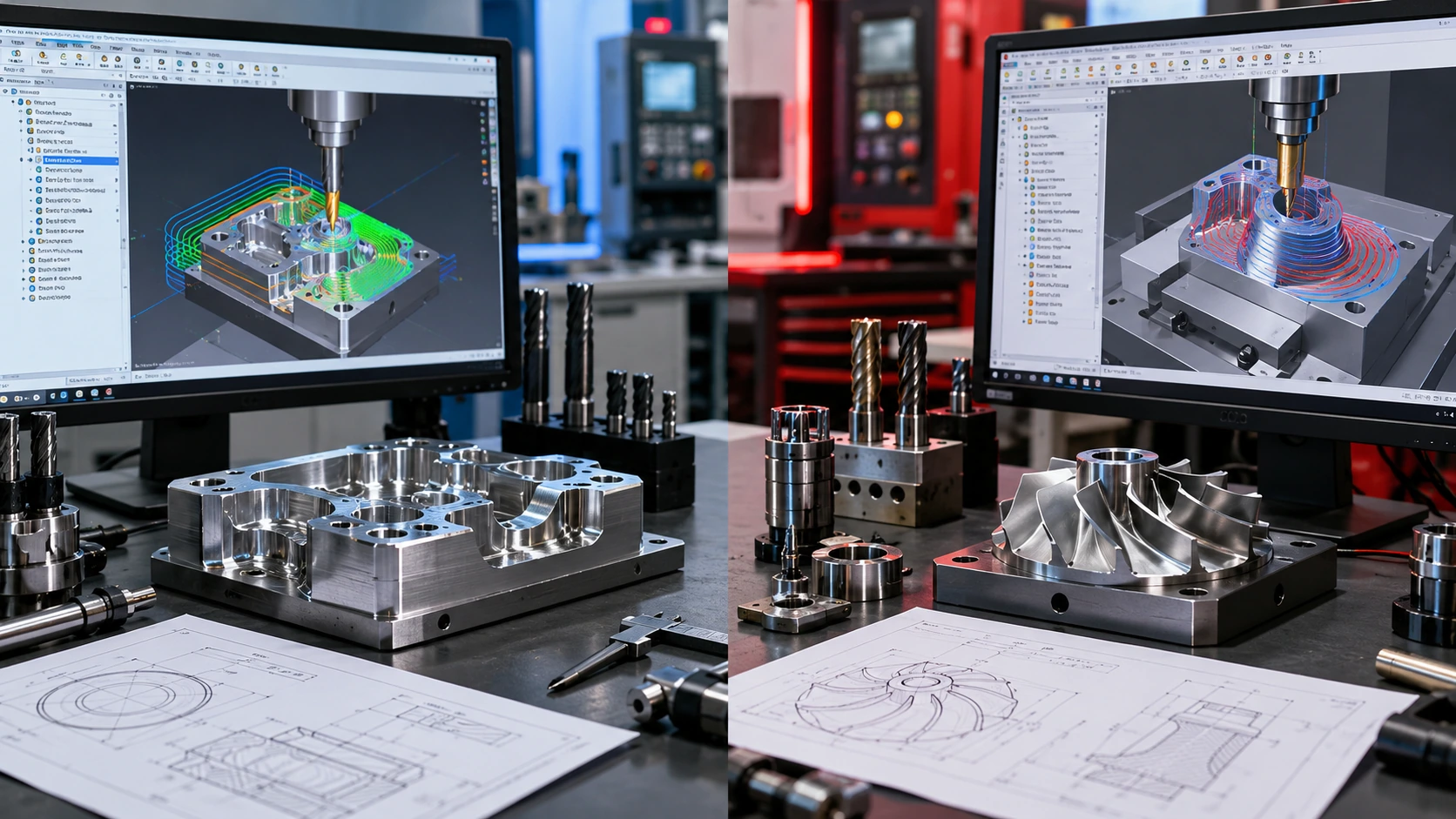
The primary distinction between SolidCAM and Mastercam is CAD-integrated machining versus a standalone, CAM-centered programming workflow.
SolidCAM is designed to work closely with supported CAD environments. The ProSoftStore SolidCAM for SOLIDWORKS listing focuses on programming machining operations directly alongside SOLIDWORKS design geometry.
Mastercam provides a dedicated CAD/CAM environment where programmers can prepare imported geometry, generate toolpaths, verify machining operations, and create machine-specific NC programs.
Neither product is universally better. Their suitability depends on where the CAD model originates, which CNC machines are used, and how the shop manages programming and manufacturing data.
SolidCAM vs Mastercam: Key Differences
| Comparison factor | SolidCAM | Mastercam |
|---|---|---|
| Primary workflow | CAD-integrated CNC programming | Standalone CAD/CAM programming |
| CAD environment | Works within supported CAD hosts, including SOLIDWORKS | Independent CAM environment with CAD preparation tools |
| Design changes | Associative machining workflows with supported host models | Imported geometry and toolpath updates managed in Mastercam |
| 2.5D milling | Available in appropriate milling packages | Available through suitable Mastercam Mill products |
| 3D milling | Available with package-specific strategies | Available through suitable milling products and strategies |
| Indexed machining | Supported in specified SolidCAM packages | Supported through appropriate milling and multiaxis tools |
| Simultaneous 5-axis | Requires the appropriate module | Requires suitable multiaxis capability |
| Turning and mill-turn | Available through specific modules | Available through dedicated Lathe and Mill-Turn products |
| Verification | Toolpath and machine simulation subject to configuration | Backplot, Verify, and machine simulation according to product and setup |
| Post-processing | Machine-specific postprocessor required | Machine-specific postprocessor required |
| Suitable workflow | Teams programming closely from supported CAD models | Shops receiving varied CAD data and managing CNC programming independently |
The central question is whether the shop benefits more from maintaining CAM alongside the design model or from using a separate manufacturing programming environment.
Key CAM Features and Machining Capabilities That Influence Software Selection
A useful SolidCAM vs Mastercam comparison should focus on actual machining requirements rather than the number of toolpaths advertised.
A workshop producing simple milled components may have different needs from a facility programming simultaneous five-axis machines, live-tooling lathes, or multi-channel machining centers.
CAD Source and Design Changes
The first consideration is where part geometry originates.
A SOLIDWORKS-based engineering team may prefer keeping machining operations connected to the native CAD model.
A manufacturing department receiving STEP, Parasolid, or other supported files from several customers may prefer a separate CAM environment where imported geometry is prepared for machining.
CNC Milling Capabilities
Milling requirements should be divided into specific categories:
2.5D pocketing, drilling, facing, and profiling.
3D roughing and finishing.
High-speed machining strategies.
Rest machining.
Indexed four-axis and five-axis positioning.
Simultaneous multiaxis machining.
These functions are not necessarily included in every SolidCAM or Mastercam package.
Turning and Multitasking Machines
Turning requirements may involve conventional lathes, live tooling, mill-turn machines, Swiss-type equipment, or multiple synchronized channels.
Each requires different toolpath, machine-definition, and postprocessing capabilities.
CNC Verification
Toolpath preview, material-removal verification, collision checking, and machine simulation serve different purposes.
A shop should identify the level of verification required before deciding which software package is appropriate.
Postprocessor Compatibility
A CAM package must generate NC code suitable for the actual CNC machine and controller.
The exact machine model, control version, axis configuration, and postprocessor should be verified.
For teams still separating design documentation from CNC programming, the CAD drafting and CNC programming boundary provides useful background.
SolidCAM Features, CAD Integration, and Suitable CNC Machining Applications
SolidCAM is a CAM system that integrates machining programming into supported CAD environments.
For ProSoftStore buyers, the SolidCAM for SOLIDWORKS product listing is particularly relevant when SOLIDWORKS is already the engineering design platform.
SolidCAM Integration With SOLIDWORKS
SolidCAM allows machining operations to be defined in association with the CAD model.
Programmers can work with part geometry, stock, fixtures, coordinate systems, cutting tools, and toolpaths within the supported CAD environment.
This workflow may reduce repeated geometry export when an engineering design changes.
However, model associativity does not eliminate the need to recalculate and verify affected machining operations.
SolidCAM Milling Capabilities
SolidCAM provides milling capabilities through its available packages and modules.
For example, SolidCAM Core documentation confirms support for 2.5D and 3D milling, along with indexed four-axis and five-axis machining.
Vendor descriptions distinguish Core and more advanced strategies. For the ProSoftStore listing, the applicable local modules are available as the complete package unless its version/price table expressly restricts them; confirm that the chosen historical release actually contains the requested simultaneous five-axis tools.
More advanced milling workflows may involve additional strategies such as HSS, HSM, HSR, or iMachining, depending on the selected package.
SolidCAM iMachining
SolidCAM offers iMachining technology for specified milling workflows.
Its approach includes toolpath control and cutting-condition calculations using inputs such as the tool, workpiece material, and machining conditions.
Actual productivity, tool-life, or machining-time improvements should be evaluated on representative jobs rather than assumed from general marketing claims.
Turning, Mill-Turn, and Multiaxis Modules
SolidCAM's wider product range includes turning, mill-turn, Swiss-type machining, and simultaneous five-axis functionality.
These are distinct machining requirements and may involve separate modules.
A buyer selecting SolidCAM for basic milling should not assume the same package includes advanced multitasking or Swiss machining.
When Is SolidCAM a Suitable Choice?
SolidCAM may fit shops that:
Design and program primarily in SOLIDWORKS.
Frequently receive revisions to native CAD models.
Prefer associative CAD/CAM workflows.
Produce milled mechanical components.
Need indexed machining supported by the selected package.
Can verify the required advanced modules and postprocessors.
Want their programming process closely connected to engineering design.
For version-specific details, review ProSoftStore’s SolidCAM version and host-compatibility details before purchasing.
Mastercam Features, Toolpath Capabilities, and Suitable CNC Machining Applications
Mastercam is a standalone CAD/CAM programming environment used for preparing CNC machining operations.
It is relevant to machine shops that receive geometry from different design platforms or manage manufacturing programming separately from product design.
Standalone CAD/CAM Programming
Mastercam provides a dedicated environment for importing geometry, preparing models, creating machining operations, and generating NC output.
Its CAD preparation tools can support operations such as editing imported solids, surfaces, wireframe geometry, and other supported model types.
This approach can suit a shop where CAM programmers control manufacturing preparation independently from the original design team.
Mastercam Milling Capabilities
Mastercam's Mill product range supports milling strategies for a variety of machining applications.
Depending on the selected product and add-ons, these may include:
2D and 2.5D milling.
Three-axis roughing and finishing.
Dynamic Motion toolpaths.
Rest machining.
Advanced surface machining.
Multiaxis toolpath strategies.
Dedicated multiaxis capability must be confirmed before assuming simultaneous four-axis or five-axis operations are included.
Mastercam Lathe and Mill-Turn
Mastercam offers separate product paths for turning and mill-turn operations.
Mastercam Lathe addresses turning workflows, while Mastercam Mill-Turn supports suitable multitasking machine configurations.
Its Mill-Turn environment includes functionality for coordinating machining operations across configurations such as multiple spindles, turrets, and supported B-axis machines.
These capabilities depend on the chosen product, machine definition, and programming setup.
Machine Simulation and Verification
Mastercam provides verification workflows that can include toolpath review, stock-removal simulation, and machine-motion analysis.
Its machine simulation capabilities depend on the selected product, machine model, postprocessor, and configuration.
A correct simulation setup is necessary before relying on it for production validation.
When Is Mastercam a Suitable Choice?
Mastercam may fit when:
CNC programming is managed independently from CAD design.
Jobs arrive from several CAD applications.
The shop needs dedicated geometry preparation.
Established Mastercam posts and programming templates already exist.
Different machine types are used.
Milling, turning, mill-turn, or multiaxis requirements justify the corresponding products.
Machine-specific programming and verification are central to operations.
ProSoftStore’s Mastercam release and CNC workflow details provide version-specific information for buyers comparing available options.
CNC Programming Workflows, CAD Compatibility, and Post-Processing Differences
The practical differences between SolidCAM and Mastercam become clearer when a part moves from design geometry to a machine-ready NC program.
Both systems can create machining operations, but their CAD relationships, toolpath organization, verification methods, and postprocessing workflows differ.
CAD Integration and Model Preparation
SolidCAM's supported integrated workflow keeps machining operations associated with the CAD environment.
Mastercam provides its own CAD/CAM workspace, allowing programmers to prepare geometry received from different design systems.
| CAD workflow requirement | SolidCAM | Mastercam |
|---|---|---|
| SOLIDWORKS design source | Integrated workflow can be useful | Model import and preparation should be tested |
| Mixed CAD sources | Verify supported CAD-host and import workflows | Dedicated geometry preparation can be useful |
| Frequent model revisions | Check associative update behavior | Check imported model updates and affected toolpaths |
| Programmer works inside CAD | Integrated workflow may fit | Separate CAM workflow |
| Programmer works independently | Host requirements must be considered | Standalone workflow may fit |
| Manufacturing ownership | Closely tied to supported CAD data | Can operate independently of original CAD environment |
For shops clarifying the distinction between design geometry and machining instructions, the CAD model creation versus shop programming path offers a related workflow explanation.
CNC Milling Workflow Differences
Both SolidCAM and Mastercam can support professional CNC milling, but the selected package determines which operations are available.
| Milling requirement | SolidCAM evaluation | Mastercam evaluation |
|---|---|---|
| 2.5D milling | Confirm available milling operations | Confirm Mill product scope |
| 3D roughing | Check selected roughing strategies | Check available 3D toolpaths |
| Surface finishing | Verify relevant HSS/HSM strategies | Verify finishing toolpaths |
| Rest machining | Confirm included rest-machining functions | Confirm selected rest-machining strategies |
| Indexed machining | Confirm four-axis/five-axis positioning | Confirm supported positioning capability |
| Simultaneous five-axis | Verify module availability | Verify Multiaxis product or add-on |
| Machine verification | Check simulation and machine setup | Check simulation and machine setup |
For teams reviewing model preparation before CNC programming, the 3D model purpose and output categories discussion helps distinguish geometric modeling requirements from CAM operations.
Turning, Mill-Turn, and Multiaxis Workflow Differences
Turning and multitasking operations require more detailed evaluation than a general CAM comparison.
A basic two-axis lathe, a live-tooling turning center, and a multi-spindle mill-turn machine may require different software modules and machine definitions.
| Machining process | SolidCAM requirement | Mastercam requirement |
|---|---|---|
| Basic turning | Verify Turning module | Verify Lathe product |
| Live tooling | Verify supported turning/milling functions | Verify corresponding Lathe or Mill-Turn scope |
| Mill-turn | Verify Mill-Turn module | Verify Mill-Turn product |
| Swiss-type machining | Verify machine-specific module and post | Verify Swiss product and machine support |
| Simultaneous five-axis | Verify Sim5X or applicable capability | Verify Multiaxis scope |
| Multi-channel synchronization | Check machine simulation and synchronization tools | Check Mill-Turn synchronization and machine configuration |
Toolpath Preparation and Programming Organization
CAM workflow depends on how a programmer defines machining operations.
Both platforms need reliable tool data, stock definitions, coordinate systems, fixtures, toolpath parameters, and operation sequencing.
SolidCAM may fit teams working closely with evolving CAD models.
Mastercam may fit teams that organize programming around independent manufacturing projects.
Neither workflow automatically guarantees fewer programming errors.
Geometry Preparation Before CNC Programming
Imported CAD files may contain surfaces, openings, unwanted details, or other geometry that requires modification before machining.
Mastercam includes model-preparation functionality, while SolidCAM users may perform geometry preparation through their supported CAD environment.
The geometry preparation before downstream machining article explains related differences between parametric modeling and direct geometry editing.
CNC Simulation and Verification
Simulation should be evaluated according to the risks that the shop must control.
| Verification requirement | What to confirm |
|---|---|
| Toolpath preview | Tool motion can be reviewed before posting |
| Stock simulation | Material removal can be visualized |
| Tool and holder clearance | Relevant interference checks are available |
| Machine simulation | Correct machine geometry and kinematics are used |
| Collision checking | The required machine components are considered |
| Multi-channel synchronization | Operations can be coordinated and verified |
| Posted NC behavior | Post-driven verification is available where required |
Mastercam distinguishes between Backplot, Verify, and machine simulation.
SolidCAM also provides simulation and verification capabilities, but the exact functions depend on the selected package and machine configuration.
A visual toolpath preview is not equivalent to fully validating the NC program against the machine controller.
Postprocessors and Machine Control Compatibility
Postprocessing is one of the most important purchasing considerations.
The postprocessor converts CAM operations into instructions suitable for a particular CNC control.
A shop must confirm the exact machine model, controller, axis arrangement, and required output conventions.
Mastercam maintains a substantial postprocessor ecosystem, while SolidCAM also relies on machine-specific postprocessors and configurations.
Neither should be assumed to support every machine automatically.
The correct process is to validate the output on a representative production job.
Downstream Engineering and Manufacturing Integration
CAM software often receives geometry created in a separate mechanical CAD system.
The CAD model supplied to CAM must preserve usable manufacturing geometry; postprocessor and machine requirements are separate from the modeling tool.
The CAM decision should remain focused on machining strategies, machines, verification, and postprocessing rather than becoming a general mechanical CAD comparison.
CAM Software Limitations, Machine Compatibility, and Technical Requirements
SolidCAM and Mastercam can both support professional CNC programming, but each can be unsuitable for a particular manufacturing environment.
A CAM purchase should be rejected or reconsidered when its host compatibility, machining module, simulation capability, or postprocessor does not match the shop's requirements.
SolidCAM CAD Host Limitations
The selected SolidCAM product must match a supported host application and version.
For the ProSoftStore SolidCAM for SOLIDWORKS listing, this means verifying the required SOLIDWORKS release and service-pack environment.
A general statement that SolidCAM integrates with several CAD platforms does not prove that the selected offer includes every host integration.
Mastercam Product and Module Limitations
Mastercam provides several machining products and add-ons.
A buyer should not assume that a general Mastercam listing automatically includes every function associated with Mastercam Mill, Lathe, Mill-Turn, Swiss, Wire, Router, or Multiaxis.
The exact package scope must be confirmed.
CNC Machine and Controller Compatibility
Both platforms require machine-specific validation.
The following details may affect programming and postprocessing:
Machine manufacturer and model.
CNC controller and version.
Axis configuration.
Rotary and linear axis movement.
Tool-changing behavior.
Machine kinematics.
Mill-turn synchronization.
Available machine simulation.
Postprocessor support.
A CAM package that can generate a toolpath is not automatically ready to run that program safely on a particular machine.
System Requirements
SolidCAM system compatibility depends in part on the supported CAD host.
Mastercam publishes separate hardware and operating-system requirements for its releases.
Before purchasing, the shop should verify supported Windows versions, processor specifications, RAM, graphics requirements, storage, and any software dependencies.
Manufacturing Workflow Disqualifiers
| Potential limitation | Why it matters |
|---|---|
| Unsupported CAD host | SolidCAM integration may not function correctly |
| Required machining module unavailable | Necessary toolpaths cannot be created |
| Unsupported machine or control | NC output may not match the machine |
| Unverified postprocessor | Production use may require additional post development |
| Incomplete machine simulation | Collision or kinematic risks may remain |
| Legacy CAM project incompatibility | Existing programs may require migration |
| Unsupported workstation | Software may not install or perform as required |
| Training and shop standards mismatch | Existing processes may need substantial changes |
However, advanced CAD modeling capability should not be confused with the availability of specific CAM machining modules.
Compatibility, Included Tools, and Purchase-Scope Checks
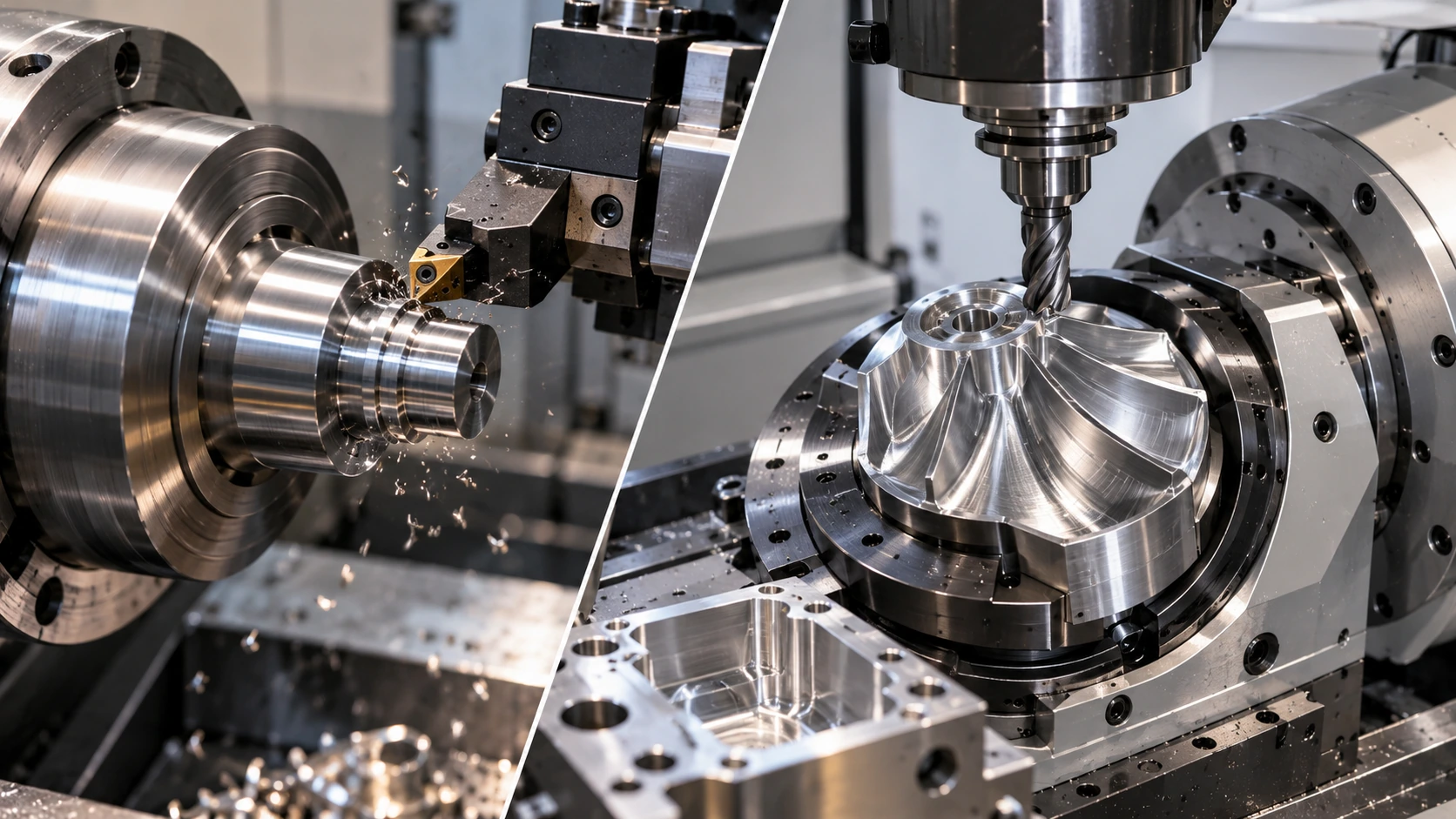
SolidCAM vs Mastercam is a version-sensitive and module-sensitive purchase decision.
A product name alone does not confirm which machining functions, operating systems, CAD hosts, or postprocessors are included.
SolidCAM Machining Module Availability
SolidCAM provides different machining capabilities through its product range.
SolidCAM Core documentation confirms professional 2.5D and 3D milling with indexed four-axis and five-axis support.
However, simultaneous five-axis machining, turning, mill-turn, and Swiss-type functions are not part of the standard Core scope.
Buyers requiring these functions must verify the appropriate modules in their selected SolidCAM offer.
Mastercam Product and Add-On Availability
Mastercam separates major machining workflows into products and related add-ons.
These can include Mill, Lathe, Mill-Turn, Swiss, Router, Wire, and Multiaxis capabilities.
The necessary product combination depends on the machine and the specific toolpaths required.
Do not assume every capability is supplied through a single general listing.
Version Compatibility and Legacy Projects
Older manufacturing projects can depend on:
A particular CAM release.
Existing tool libraries.
Proven toolpath templates.
Custom machine definitions.
Postprocessors.
Machine simulation settings.
CAD translator support.
Moving to a newer CAM version may require conversion, recalculation, or verification of existing data.
Licensing and Activation Considerations
ProSoftStore sells specific listed product versions for a one-time payment.
ProSoftStore supplies locally activated desktop software for a one-time payment and does not impose a fixed reinstall or store device-count limit. Patches and service packs for the purchased yearly version may be available under the store terms; later annual versions and separate products require separate orders. Manufacturer cloud services and accounts are not included unless the offer expressly states otherwise.
Buyers should confirm the exact purchasing terms and whether additional machining modules, postprocessors, or other services are included.
CAM Software Cost Planning
CAM software costs should be evaluated together with machine readiness.
The initial software price may be less important than postprocessor development, training, machine simulation, tooling data, and production verification.
The CAM and CAD cost-planning variables discussion provides a wider framework for considering software expenses alongside engineering and manufacturing requirements.
CNC Machining Use Cases and Scenario-Based CAM Software Recommendations
SolidCAM vs Mastercam should be decided according to machining processes, CAD source files, machine configurations, and shop programming standards.
Neither platform should be recommended as a universal winner.
SolidCAM vs Mastercam by Manufacturing Scenario
| Manufacturing scenario | Suggested evaluation direction |
|---|---|
| Engineering and CAM both use SOLIDWORKS | Evaluate SolidCAM first |
| Design revisions frequently affect machining | Test SolidCAM's associative workflow |
| The shop receives models from multiple CAD systems | Evaluate Mastercam first |
| CNC programming is managed independently from design | Evaluate Mastercam's standalone environment |
| Basic 2.5D or 3D milling | Compare the included milling packages |
| Indexed four-axis or five-axis milling | Verify the exact module and machine setup |
| Simultaneous five-axis machining | Confirm advanced modules and machine kinematics |
| Turning and live-tooling work | Verify the corresponding turning products |
| Mill-turn or multi-channel machining | Verify machine-specific synchronization and postprocessing |
| Existing postprocessors are already validated | Prioritize compatibility with the proven setup |
| Machine simulation is essential | Test actual machine definitions and verification |
| The shop uses several CNC controllers | Check each controller and postprocessor individually |
When Is SolidCAM the More Suitable Choice?
SolidCAM deserves consideration when the engineering and manufacturing teams already work with a supported CAD host, particularly SOLIDWORKS.
Its associative design-to-machining workflow can be relevant when part geometry changes frequently.
However, the selected package must still support the required machining operations and CNC machine configuration.
When Is Mastercam the More Suitable Choice?
Mastercam may be appropriate when the shop receives geometry from several CAD applications or prefers CNC programming to remain independent of the original design software.
Its standalone workflow can also fit organizations with established Mastercam tooling libraries, machine definitions, postprocessors, and programming standards.
What If the Shop Needs Advanced Machining?
For simultaneous five-axis machining, mill-turn, Swiss machining, or multi-channel equipment, neither product should be selected from a general comparison table alone.
The shop must confirm the exact machining module, machine model, kinematics, postprocessor, and verification process.
How Should a New CNC Shop Choose?
Start by identifying the machining process rather than the software brand.
For buyers still distinguishing different CAD and manufacturing tools, the CAD and CAM software type map helps separate general drafting, 3D modeling, parametric engineering design, and specialized CNC programming.
The final selection should be based on a real machining job, including geometry preparation, toolpath generation, simulation, postprocessing, and machine validation.
CAM Software Evaluation and Pre-Purchase Verification Checklist
Before selecting SolidCAM or Mastercam, a machine shop should verify the complete CNC programming workflow.
The evaluation should use real parts, actual machines, the intended CAD environment, and representative NC output.
CAM Software Evaluation Checklist
| Verification question | What to confirm |
|---|---|
| What CAD system supplies the part geometry? | SOLIDWORKS or other supported CAD formats |
| Which CAM workflow is preferred? | CAD-integrated or standalone programming |
| What machining processes are required? | Milling, turning, mill-turn, Swiss, or multiaxis |
| Are advanced toolpaths necessary? | Included or separate machining modules |
| Which CNC machines are installed? | Machine model, axes, control, and kinematics |
| Is a suitable postprocessor available? | Verified machine-specific NC output |
| Is machine simulation necessary? | Required machine model and simulation capability |
| Are collisions and fixtures considered? | Stock, holder, fixture, and machine clearances |
| Which software version is offered? | Exact release and service pack |
| Does SolidCAM require a particular host? | Supported SOLIDWORKS version and environment |
| Are existing programs being migrated? | Legacy project and post compatibility |
| What operating system is installed? | Release-specific Windows requirements |
| Are purchasing terms confirmed? | Activation and update entitlements |
| Will training or post development be needed? | Shop readiness and workflow requirements |
Practical CAM Software Evaluation Process
Choose a representative CNC part. Include the geometry and machining features commonly handled by the shop.
Prepare the CAD geometry. Check model import, geometry repair, and design revision behavior.
Define the machining setup. Specify stock, workholding, coordinate systems, tools, and machine configuration.
Generate machining operations. Test the required milling, turning, or multiaxis functions.
Run the appropriate verification. Examine material removal, clearance, collisions, and machine motion.
Generate NC output. Use the intended machine-specific postprocessor.
Validate the manufacturing process. Follow the shop's established program review and machine prove-out procedures.
Confirm the product scope. Check software version, machining modules, compatibility, and purchasing terms.
For broader manufacturing software comparisons, the manufacturing software article library provides related technical information.
Explore SolidCAM and Mastercam Software Options at ProSoftStore
ProSoftStore helps CNC programmers, manufacturing engineers, and machine shops compare CAM software according to their real production requirements.
SolidCAM is worth reviewing when machining programming is closely connected to a supported CAD environment, especially SOLIDWORKS. Mastercam is worth reviewing when the shop needs an independent CAD/CAM programming process for geometry received from multiple sources.
The final decision should confirm the exact machining modules, CAD compatibility, software version, CNC machine definitions, postprocessors, verification capabilities, and purchasing terms. Selecting a CAM environment that fits the full machining process is more important than choosing a product based on general feature claims.
Frequently Asked Questions
What Is the Main Difference Between SolidCAM and Mastercam?
SolidCAM is primarily evaluated for CAD-integrated machining workflows, particularly when programming from SOLIDWORKS models. Mastercam is a standalone CAD/CAM environment commonly used for CNC programming across varied CAD sources.
Is SolidCAM Better Than Mastercam?
Neither is universally better. SolidCAM may fit a CAD-integrated manufacturing environment, while Mastercam may fit shops that manage programming independently from CAD design. The decision depends on the actual machine and programming workflow.
Is Mastercam Better for CNC Machine Shops?
Mastercam may fit shops receiving geometry from multiple CAD platforms or using established Mastercam posts and machining templates. However, SolidCAM may be appropriate for shops that work primarily with SOLIDWORKS.
Which Is Better for SOLIDWORKS, SolidCAM or Mastercam?
SolidCAM deserves consideration when the shop wants machining operations integrated with the SOLIDWORKS model. Mastercam can also work with suitable imported geometry, but its workflow is organized around a separate CAM environment.
Which Software Is Better for CNC Milling?
Both support professional milling through appropriate packages. Buyers should compare 2.5D, 3D, high-speed, indexed, and simultaneous multiaxis requirements against the exact included modules.
Can SolidCAM Perform Simultaneous Five-Axis Machining?
SolidCAM offers simultaneous five-axis capability in its wider product range. However, this vendor Core distinction must not be treated as a limitation of ProSoftStore’s full local module set unless the specific offer states otherwise. The chosen release and machine configuration still determine practical suitability.
Does Mastercam Support Turning and Mill-Turn?
Yes. Mastercam offers dedicated Lathe and Mill-Turn products. Their suitability depends on the machine configuration, controller, postprocessor, and required machining functions.
Can SolidCAM and Mastercam Work With Imported CAD Models?
Both offer workflows involving CAD geometry, although their methods differ. SolidCAM works within supported CAD-host environments, while Mastercam provides standalone model preparation and import tools. File compatibility should be tested with representative source models.
Does Mastercam Support Every CNC Machine?
No universal machine-support claim should be made. The shop must verify its exact machine, controller, axis arrangement, postprocessor, and machine simulation configuration before production use.
Should I Buy SolidCAM or Mastercam From ProSoftStore?
Choose according to the shop's workflow. Review SolidCAM when CAD-integrated programming is central, particularly with SOLIDWORKS. Review Mastercam when standalone CAM programming and varied CNC machining requirements are more important.
Verify the specific version, included modules, machine compatibility, postprocessor, and licensing terms before purchasing.